Installation
amd64: For modern 64-bit Intel/AMD processors ( mine ! )
aarch64: For 64-bit ARM devices (Raspberry Pi 4, Apple Silicon Macs, or ARM Cloud servers).
riscv64: For RISC-V hardware or enthusiasts testing open-source architecture.
BASIC-CI: These are “Continuous Integration” images. They are very minimal, pre-configured images used for automated testing. They usually come in .raw.xz format and are not meant for a standard desktop install.
ZFS or UFS ?
ZFS: Modern, powerful, has “snapshots” (like save points), and is better at preventing data corruption. Choose this if you have 8GB+ RAM.
UFS: Old school, lightweight, and uses less memory. Choose this if you want to keep it simple and fast.
Aku tanak ambil banyak sangat RAM.
Installation File
FreeBSD-15.0-RELEASE-amd64-bootonly.iso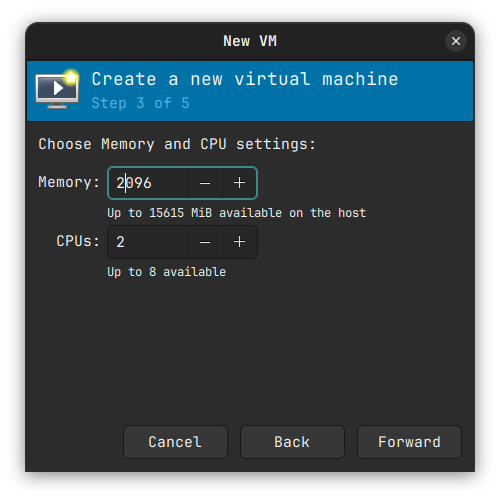
Pastikan storage yang kita nak amik ialah storage yang kita dah assign. Contoh
# Dia akan create 20G storage
qemu-img create -f qcow2 freebsd_disk.qcow2 20G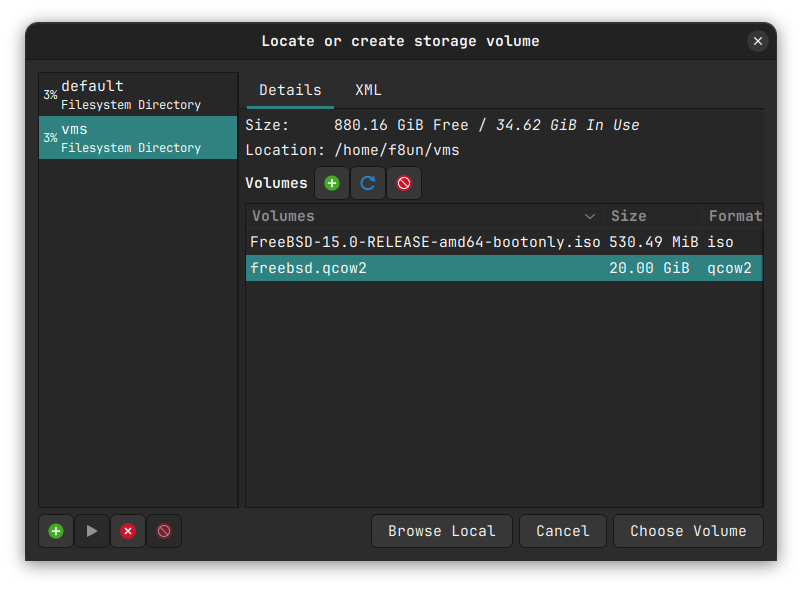
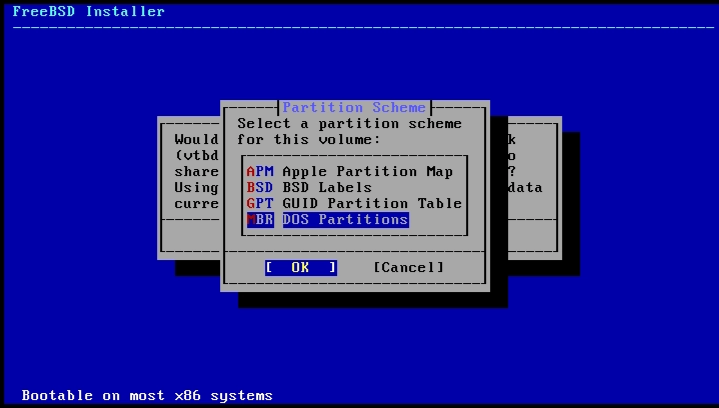
GPT (GUID Partition Table): It is the modern standard, supports larger disks, and is more robust.
MBR (DOS Partitions): Only use this if you are emulating a very old “Legacy BIOS” computer. It’s limited and outdated.
Amik GPT.
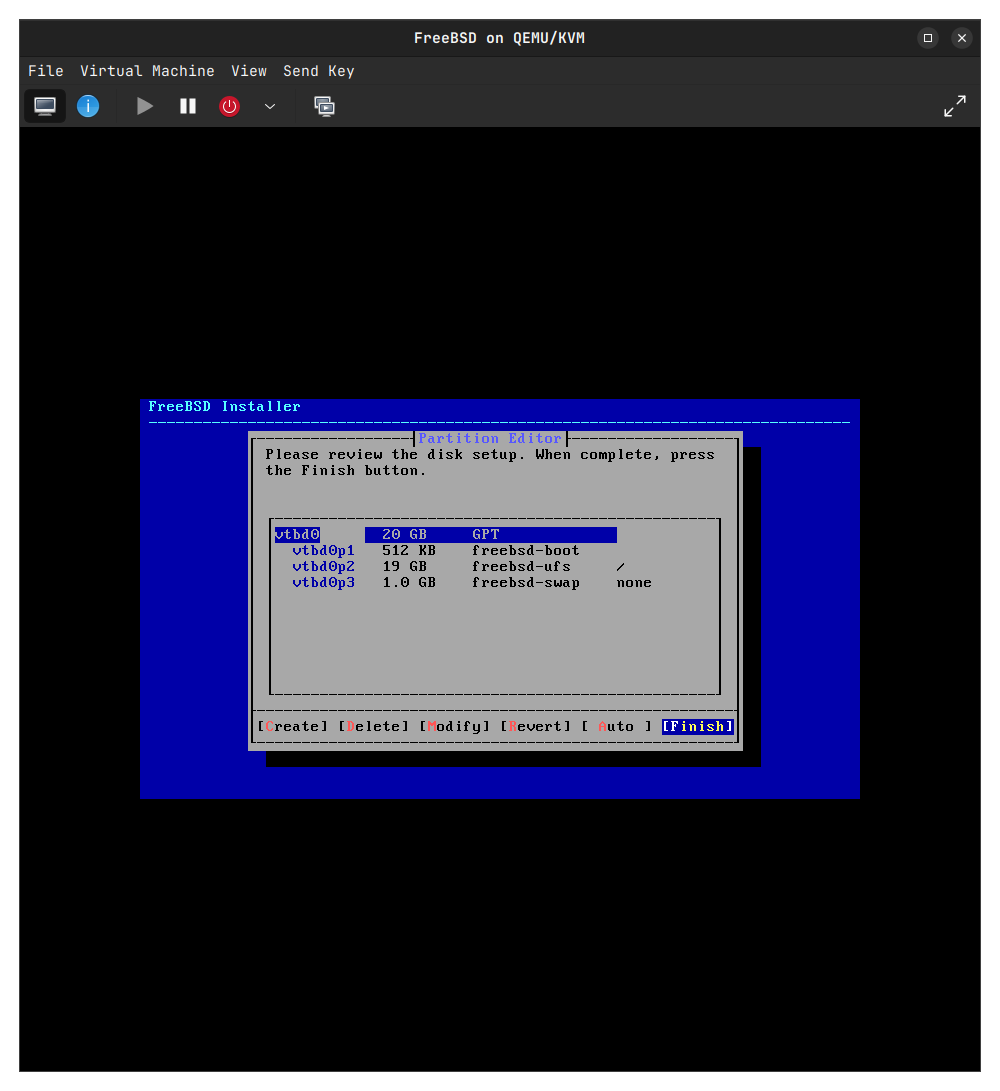
Make installation dalam disk yang tak melibatkan main OS kita kalau tak nanti dia akan delete semua.
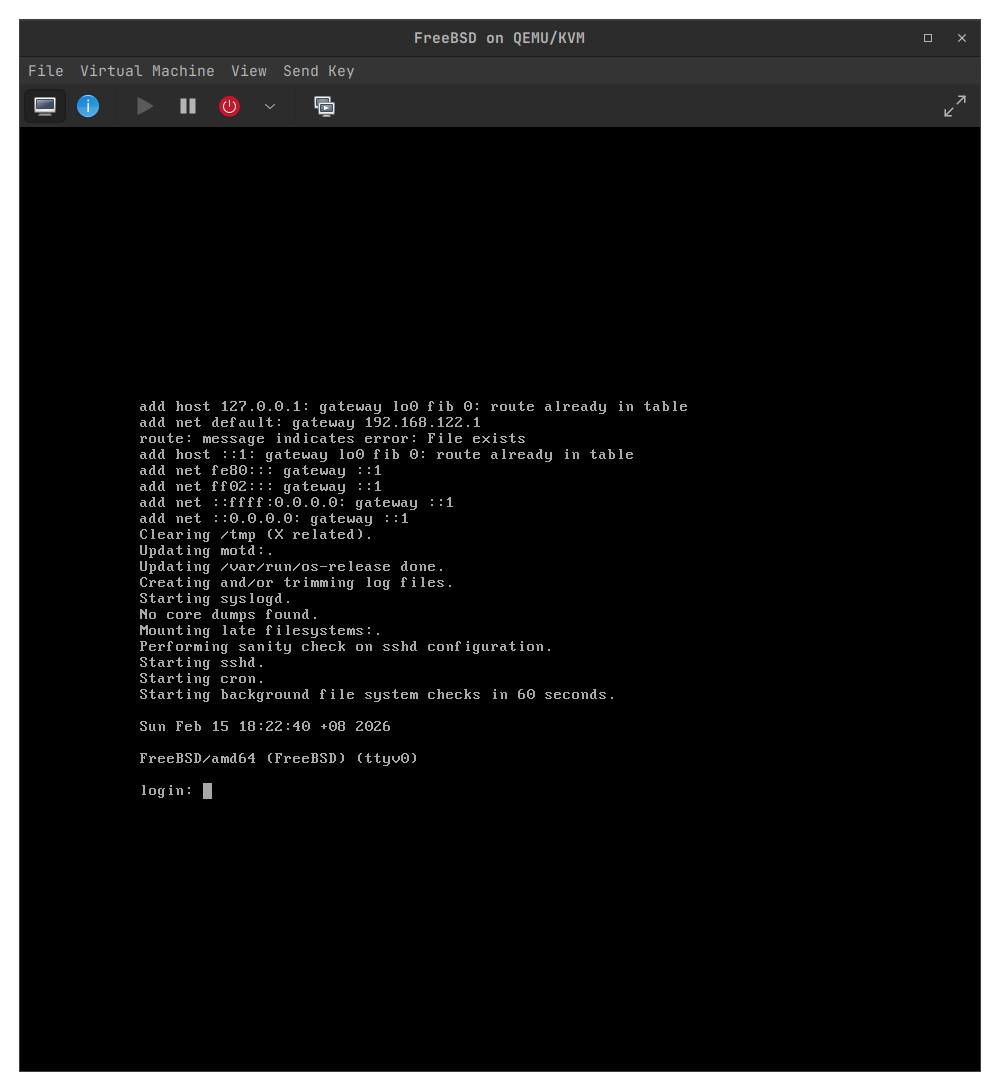
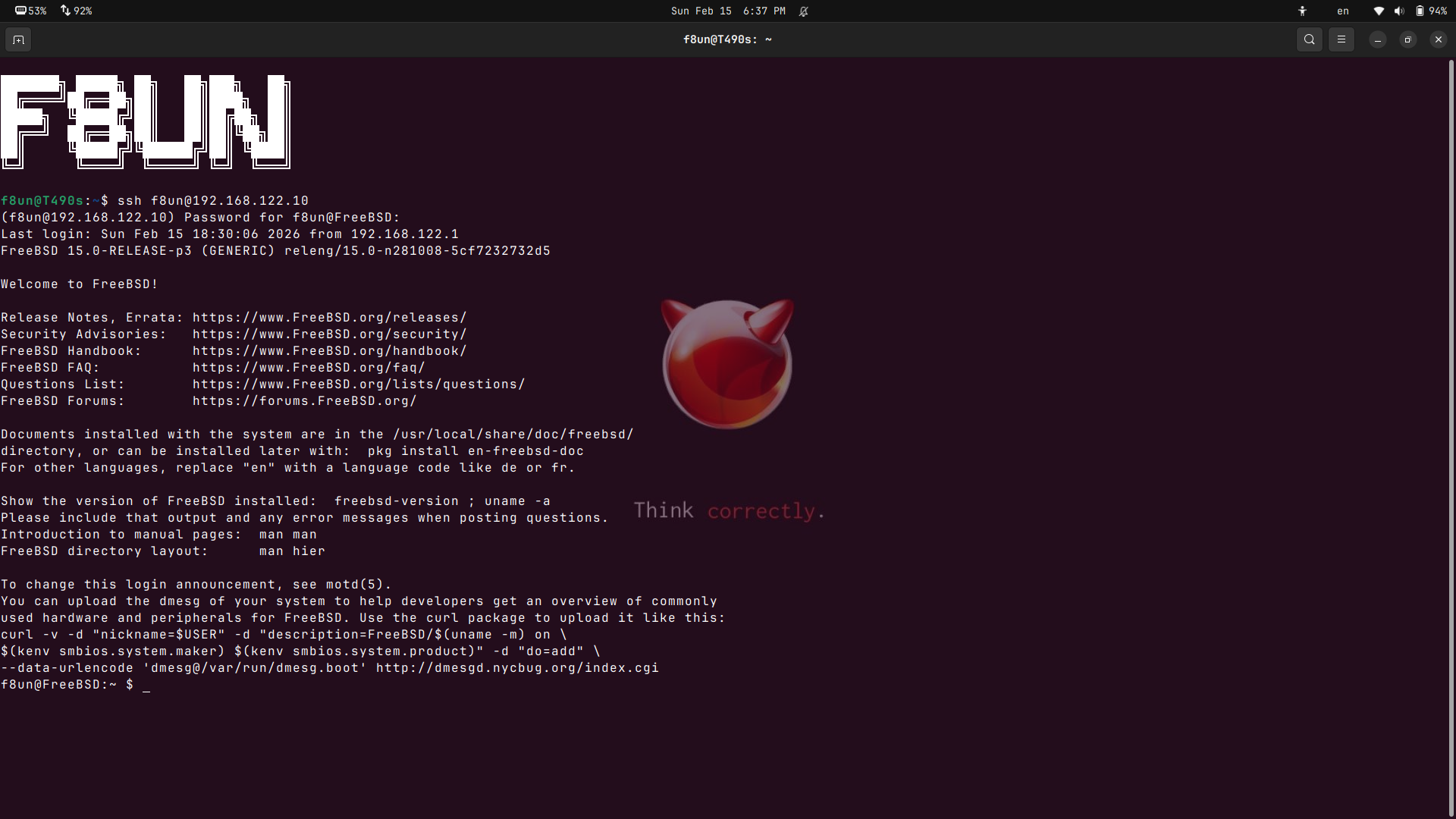
ssh user@ipaddress
Kalau nak tau ip address : ifconfig
ssh user@192.168.122.10

root@FreeBSD:~ # pkg install zsh
# Masukkan dalam sudoers
pw groupmod wheel -m f8un
# Tukar shell ke ZSH
chsh -s /usr/local/bin/zsh f8un ( Dah setup keluar masuk balik)
# tukar permission semua user boleh guna sudp
visudo
cari atas %wheel ALL=(ALL:ALL) ALL and uncomment kan
f8un@FreeBSD:~/lab $ ls
fork_demo fork_demo.c pipe_ipc pipe_ipc.c server.py
Kalau first time buat c file :
Example : cc ~/lab/pipe_ipc.c -o pipe_ipc
cc: compiler
Path of C
-o : output ke mana (tak kisah buat je nama dia akan auto buat)
Kalau nak run C program : /pipe_ipc
# bukannya file .c
Python file : python3 server.py
(Khas untuk server.py)
Buat kat terminal main host: echo "Hi from Ubuntu" | nc 192.168.122.10 12345
nc :netcat (dia simulate port conn )ZSH
pkg install git curl
Pergi website and copy paste

pkg install vim
vim .zshrc
ZSH_THEME='agnoster' # pape theme pon bole